Microsoft 365 vs Google Workspace: Which is Better for Business in 2026?
The Two Giants of Business Productivity
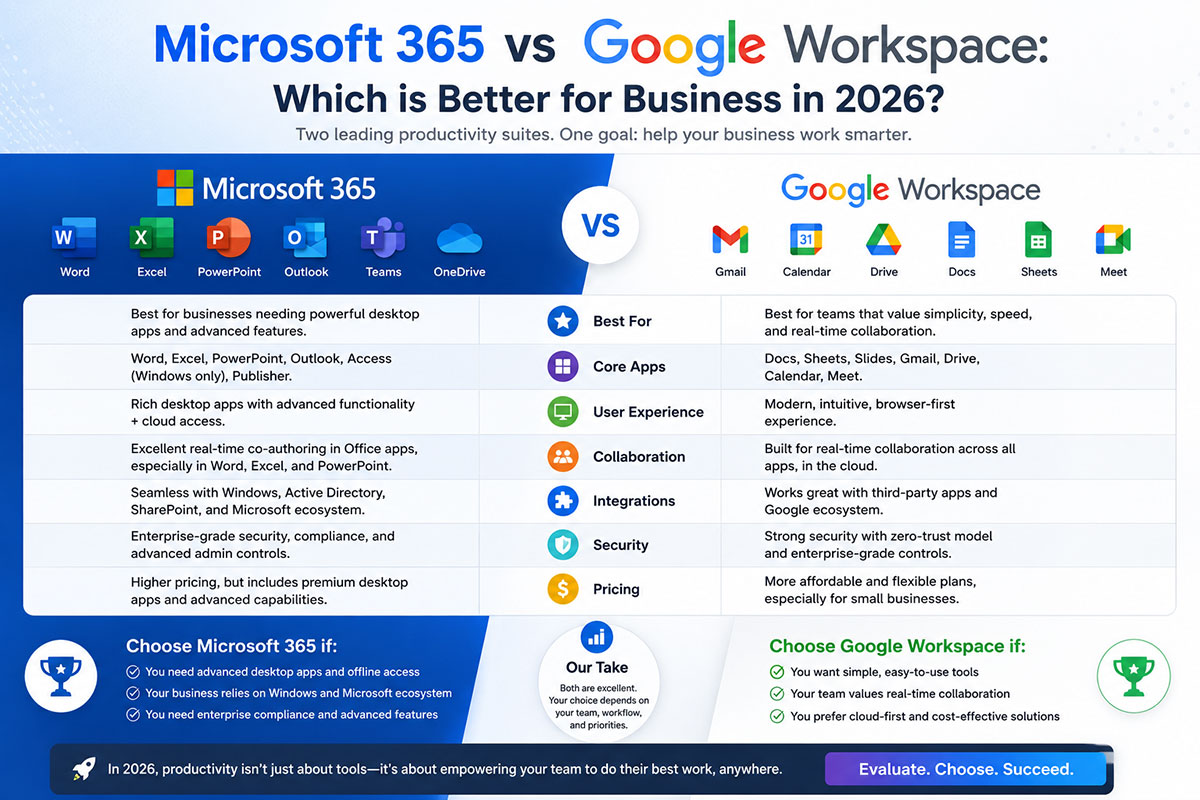
Microsoft 365 and Google Workspace are the two dominant business productivity platforms globally — together accounting for the vast majority of business email and collaboration software worldwide. In 2026, either platform can serve a business well; the decision is about fit, not about which is objectively superior.
Pricing Comparison: What You Actually Pay Per User
Microsoft 365 Pricing (2026)
Business Basic: ~$6/user/month — web and mobile apps, Exchange email, Teams, SharePoint, OneDrive 1TB.
Business Standard: ~$12.50/user/month — adds full desktop Office applications (Word, Excel, PowerPoint, Outlook) and webinar hosting.
Business Premium: ~$22/user/month — adds advanced security (Defender for Business, Intune, Azure AD Premium).
For a 20-person business: Business Standard costs approximately ₹2,50,000/year. Business Premium costs approximately ₹4,40,000/year.
Google Workspace Pricing (2026)
Business Starter: ~$6/user/month — Gmail, Meet, Drive 30GB, Docs, Sheets, Slides.
Business Standard: ~$12/user/month — Drive pooled 2TB per user, recording in Meet, advanced admin.
Business Plus: ~$18/user/month — enhanced security, eDiscovery, audit.
For a 20-person business, Business Standard costs approximately ₹2,40,000/year.
Email: Outlook vs Gmail for Business
Microsoft Outlook
Outlook remains the gold standard for email power users — particularly those dealing with complex scheduling, meeting management, and high email volumes. For organisations already using Microsoft tools — Teams, SharePoint, OneDrive — Outlook is the natural choice.
Gmail for Business
Gmail’s interface is cleaner and requires less configuration. Google’s AI-powered features — Smart Compose, Smart Reply, and the Priority Inbox algorithm — are well-regarded. For organisations with a mobile-first or browser-first working culture, Gmail’s lightweight design is a genuine advantage.
Collaboration: Teams vs Meet, SharePoint vs Drive
Microsoft Teams vs Google Meet
Microsoft Teams is significantly more powerful as a collaboration hub — it integrates chat, video conferencing, file storage, project management, and third-party application integration into a single interface. Google Meet is simpler and easier to use, but lacks Teams’ broader collaboration features.
SharePoint and OneDrive vs Google Drive
Google Drive is simpler to navigate and shares Google Docs’ collaborative editing experience — which remains the benchmark for real-time document collaboration. SharePoint provides more powerful document management and intranet capabilities, but has a steeper learning curve.
Security and Compliance: Who Wins?
Microsoft 365 Business Premium includes Defender for Business, Intune, Azure AD Premium, and Microsoft Purview — a genuinely comprehensive security stack. Verdict: For organisations where security and compliance are primary considerations, Microsoft 365 Business Premium provides the stronger out-of-the-box security stack at its price point.
Verdict: Which Platform for Which Business?
Choose Microsoft 365 if:
• Your team works primarily in desktop Office applications (Word, Excel, PowerPoint)
• You are in a heavily regulated industry where compliance and data governance are critical
• You rely on Teams for collaboration and communication
• Your IT infrastructure is primarily Microsoft (Windows, Azure AD, SharePoint)
Choose Google Workspace if:
• Your team works primarily in a browser and on mobile devices
• You prioritise simplicity and ease of adoption
• Real-time collaborative document editing is central to your workflow
• Your organisation is remote-first or highly distributed
Frequently Asked Questions
Can I migrate from Google Workspace to Microsoft 365 (or vice versa)?
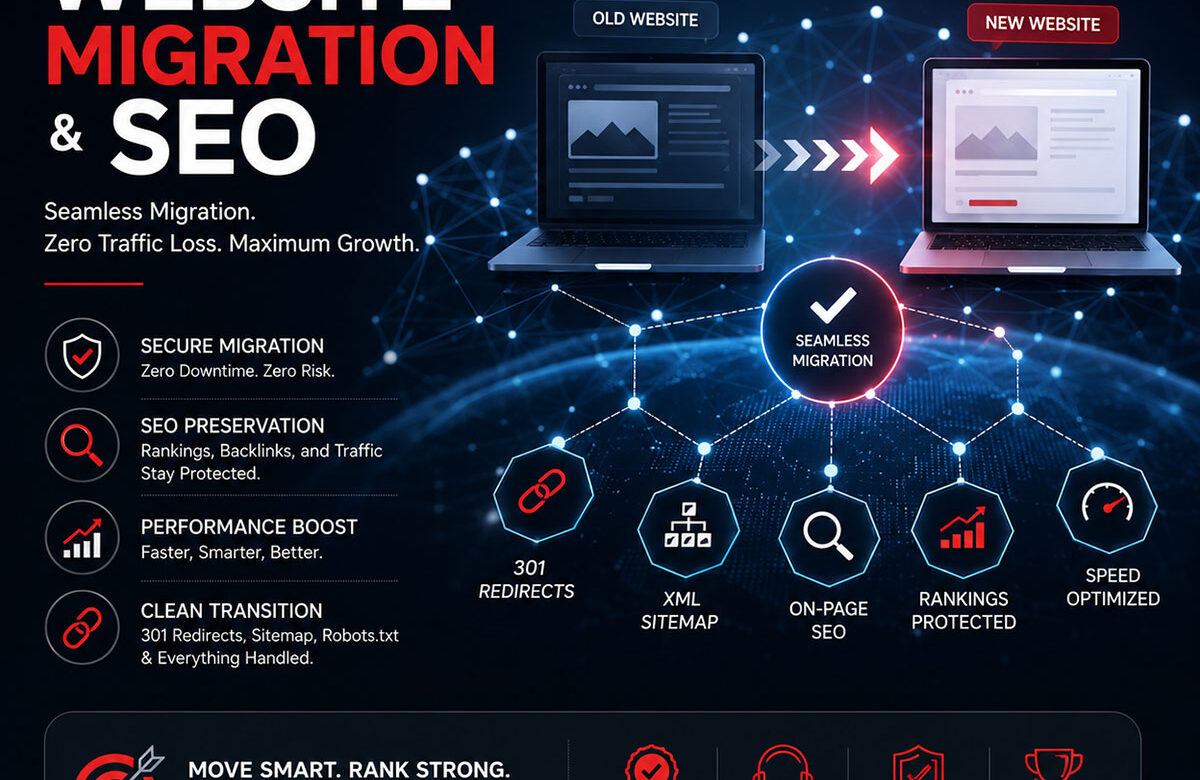
Yes. Both platforms support migration tooling. Email, calendar, and contacts migrate reliably. File migration requires planning around file permissions and shared folder structures. NetNovaz manages both migrations with minimal business disruption.
Which platform has better AI features in 2026?
Microsoft 365 Copilot — integrated across Word, Excel, Outlook, and Teams — is the most advanced AI productivity feature available in either platform in 2026. Google Workspace AI features (Gemini) are strong, particularly in Gmail and Docs, but lag slightly behind Copilot in breadth.
Is Microsoft 365 or Google Workspace more secure?
Both provide strong security when properly configured. Microsoft 365 Business Premium offers a more comprehensive built-in security stack at its price point. Security in either platform depends significantly on how it is configured — default settings are not optimal for business security in either case.
How long does a migration from one platform to the other take?
For a 20-person business with straightforward data migration requirements, a planned migration takes two to four weeks. Larger organisations with complex SharePoint or Drive structures may need six to eight weeks.
Does NetNovaz offer training for new Microsoft 365 or Google Workspace users?
Yes. NetNovaz includes user training and adoption support in all platform deployment and migration engagements. We also offer standalone training for teams migrating between platforms or adopting new features.