
Google Search Console for Indian Business Owners: A Beginner's Guide
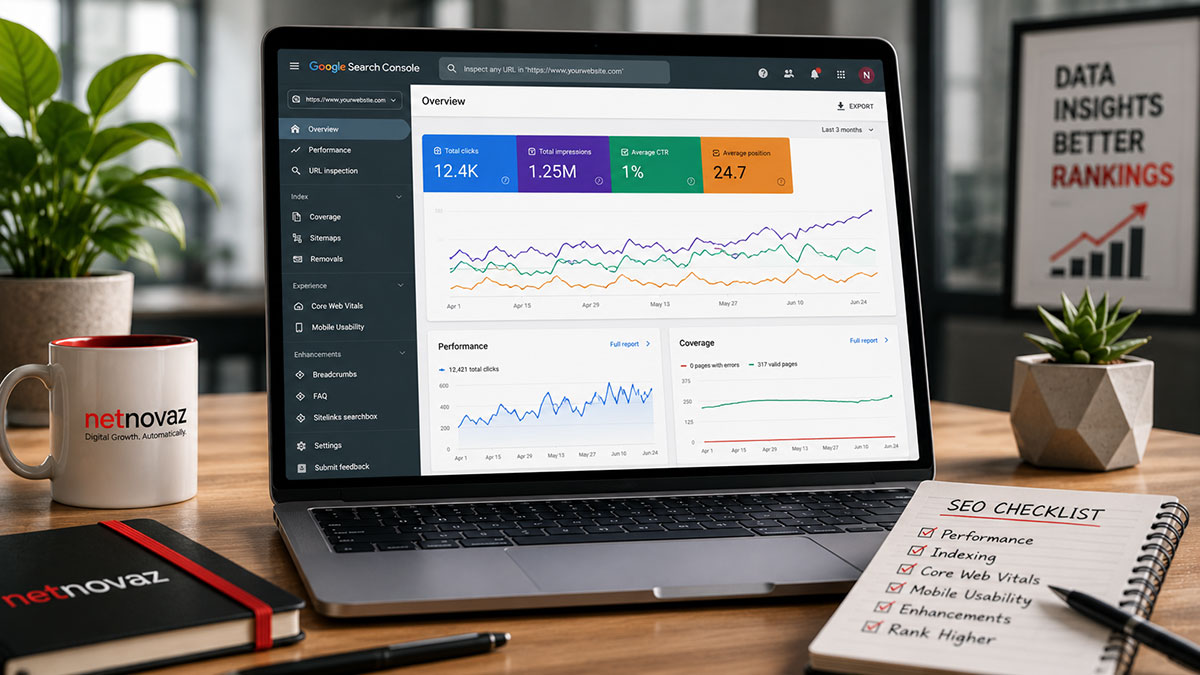
Ask most Indian SME owners if they’ve logged into Google Search Console and the honest answer, more often than not, is no. It’s free, it’s directly from Google, and it contains the single most accurate picture available of how a website actually performs in search — yet it remains one of the most underused tools in small business marketing.
This guide is written for someone who has never opened Search Console before. No jargon assumed — just what to set up, what to look at first, and what the numbers actually mean for the business.
Setting Up Search Console for the First Time
Verification is the first step, and the simplest method for most site owners is adding a small HTML tag or file provided by Google to the website, or verifying through an existing Google Analytics or Google Tag Manager account if one is already connected. Once verified, it typically takes a few days for meaningful data to start populating, so patience matters at this stage.
The single most useful early action is submitting an XML sitemap — a file listing every important page on the site — which helps Google discover and index pages faster than waiting for its crawlers to find them naturally.
The Performance Report: Where the Business Value Lives
The Performance report shows exactly which search queries are bringing people to the site, how many times the site appeared in results (impressions), how many people clicked (clicks), and the average position those results held. This is genuinely commercial data — it shows, in the business’s own words as typed by real customers, what people are searching for when they find the site.
The most valuable pattern to look for is queries with high impressions but low clicks and a poor average position — these are searches where Google already considers the site relevant enough to show, but the page isn’t compelling or well-optimised enough to earn the click. That’s a clear, low-effort opportunity: improving the title tag or meta description for that specific page can lift clicks without any new content being written.
Coverage and Indexing: Making Sure Pages Are Actually Findable
The Pages report (previously called Coverage) shows which pages on the site are indexed by Google and, critically, which ones are excluded and why. It’s common for Indian SME sites to discover, on first look, that key service pages were never indexed at all — often due to a technical issue like an accidental ‘noindex’ tag left over from development, or a page that’s simply too deep in the site structure for Google to prioritise crawling.
Fixing indexing issues is usually the highest-leverage action available in Search Console, because a page that isn’t indexed cannot rank for anything, no matter how well it’s written or optimised.
Core Web Vitals and Mobile Usability
Search Console also reports on Core Web Vitals — Google’s measure of how fast and stable a page feels to load and interact with — broken down by URL. For Indian audiences, where a large share of traffic comes from mobile connections that aren’t always fast, this data is particularly important; a slow-loading page doesn’t just frustrate visitors, it actively works against rankings.
The Mobile Usability report flags specific problems like text too small to read or clickable elements too close together, both of which disproportionately affect the mobile-first Indian user base.