Cybersecurity for Small Businesses: 15 Things You Must Do in 2026
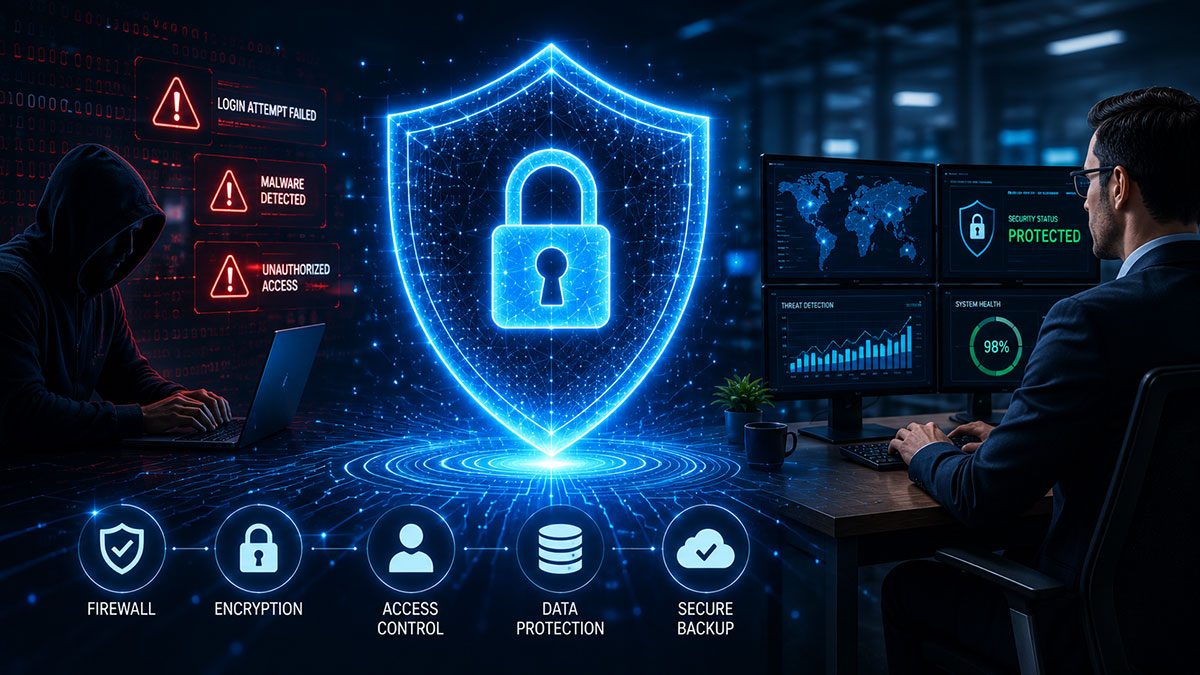
Why Cybercriminals Target Small Businesses
There is a dangerous myth in the small business community: “We are too small to be a target.” The data says otherwise. According to the Verizon Data Breach Investigations Report, over 40% of cyberattacks target businesses with fewer than 100 employees.
The average cost of a data breach for a small business in 2024 exceeded $3.3 million when factoring in downtime, recovery costs, regulatory fines, and reputational damage. Many small businesses that experience a significant breach do not recover.
The 15 Cybersecurity Essentials for 2026
#1: Implement Multi-Factor Authentication (MFA) Everywhere
Multi-factor authentication is the single highest-impact security measure available to small businesses. Even if an attacker obtains a password through phishing or a data breach, MFA stops them from logging in.
Action: Enable MFA on Microsoft 365, Google Workspace, your banking portal, your cloud hosting accounts, and every other business-critical system. Use an authenticator app (Google Authenticator, Microsoft Authenticator) rather than SMS codes.
#2: Deploy Endpoint Detection and Response (EDR) Software
EDR tools use behavioural analysis and machine learning to detect threats that signature-based antivirus misses — including zero-day exploits and fileless malware.
Action: Replace legacy antivirus with a business-grade EDR solution. CrowdStrike Falcon Go, Microsoft Defender for Business, and SentinelOne are strong options for SMBs.
#3: Use a Business VPN for Remote Work
A VPN encrypts all internet traffic from remote workers.
Action: Deploy a business-grade VPN solution with centralised management. Require all remote employees to use it when accessing company systems from outside the office.
#4: Implement DNS Filtering
DNS filtering blocks access to known malicious websites before a connection is established.
Action: Deploy a DNS filtering service (Cisco Umbrella, Cloudflare Gateway, or WebTitan) across your network and on remote devices.
#5: Patch Everything — On a Schedule
The majority of successful cyberattacks exploit vulnerabilities that already have patches available.
Action: Establish a monthly patching cycle for all operating systems, applications, and firmware. Prioritise critical patches within 48–72 hours of release.
#6: Train Employees — Phishing is Still the #1 Attack Vector
Over 90% of successful cyberattacks begin with a phishing email.
Action: Conduct monthly simulated phishing exercises using a platform like KnowBe4 or Proofpoint Security Awareness Training.
#7: Run Phishing Simulations
Regular simulated phishing campaigns with immediate feedback produce measurable, sustained improvement in employee security behaviour.
Action: Schedule quarterly phishing simulations with different themes to test a wide range of attack scenarios.
#8: Enforce the Principle of Least Privilege
Every employee should have access only to the systems and data they need to do their job — nothing more.
Action: Audit user access rights across all systems. Revoke all access immediately upon employee departure.
#9: Protect Business Email with DMARC, DKIM, and SPF
DMARC, DKIM, and SPF are email authentication standards that prevent your domain from being impersonated.
Action: Configure SPF, DKIM, and DMARC records in your DNS. Start DMARC in monitoring mode, then move to reject/quarantine policy.
#10: Implement a Zero-Trust Access Model
Zero trust means every access request — whether from inside or outside the corporate network — is verified before being granted.
Action: Start with strong identity verification (MFA + conditional access policies in Azure AD or Google Workspace).
#11: Follow the 3-2-1 Backup Rule
The 3-2-1 backup rule: maintain three copies of your data, on two different types of media, with one copy stored off-site or in the cloud.
Action: Implement automated daily backups to a cloud backup service (Veeam, Acronis, Azure Backup). Test restoration at least quarterly.
#12: Create and Test an Incident Response Plan
When — not if — a security incident occurs, every minute without a clear response plan costs money.
Action: Document a basic incident response plan covering: who to call, how to isolate affected systems, how to communicate with customers and regulators if data is compromised.
#13: Consider Cyber Insurance
Cyber insurance covers costs associated with data breaches, ransomware payments, business interruption, and regulatory fines.
Action: Review your existing insurance policies for cyber coverage gaps and consult a broker specialising in cyber risk.
#14: Secure Your Wi-Fi Network
Action: Segment your network — one SSID for corporate devices, one for guests. Use WPA3 encryption. Change all default device passwords.
#15: Conduct an Annual Cybersecurity Audit
Cybersecurity is not a one-time project.
Action: Schedule an annual third-party cybersecurity audit. NetNovaz provides free initial cybersecurity assessments for SMBs.
Frequently Asked Questions
How much should a small business spend on cybersecurity?
Industry benchmarks suggest allocating 8–15% of your total IT budget to cybersecurity. For a small business spending ₹5,00,000 per year on IT, that means ₹40,000–₹75,000 on security tools, training, and services.
Is free antivirus software enough for a small business?
No. Free antivirus tools lack the advanced threat detection, centralised management, and business-specific features needed in a professional environment. Business-grade EDR solutions provide significantly stronger protection.
What is the most common way small businesses get hacked?
Phishing emails remain the most common attack vector, accounting for over 90% of initial compromises. The second most common is exploitation of unpatched software vulnerabilities. Both are highly preventable.
Do I need to comply with data protection laws in India?
Yes. The Digital Personal Data Protection Act (DPDPA) 2023 applies to all businesses that process the personal data of Indian citizens. Non-compliance can result in significant penalties.
What should I do if my business is hacked?
Immediately isolate affected systems from the network. Contact your IT provider or managed security service. Preserve evidence. Notify your cyber insurance provider. Assess whether customer or employee data was compromised.